 17 Sep, 2026
131Views
17 Sep, 2026
131Views
Choosing porcelain tiles from a catalogue can be surprisingly difficult. A tile may look warm and elegant in a product photograph, yet appear much darker, busier or larger once it reaches your actual room. This is where a tile visualizer can make the selection process far more practical.
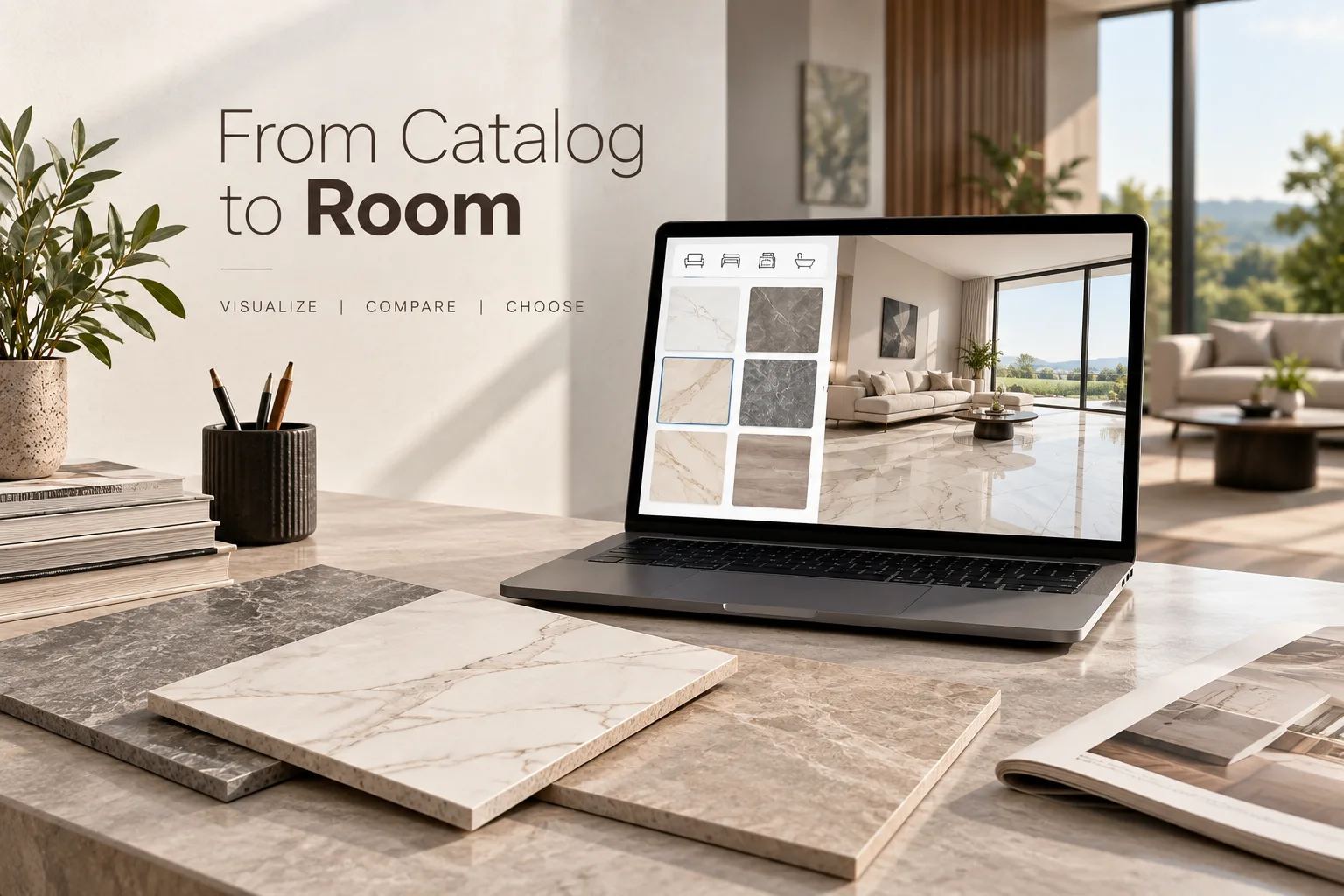
Instead of relying entirely on imagination, you can preview different porcelain tile designs in a room setting, compare colours and patterns, and get a clearer sense of how the finished surface may look. For homeowners, architects, interior designers and property developers worldwide, this can make tile selection more deliberate and less dependent on guesswork. If you are also exploring the wider range of options available, the visualisation stage can help narrow down suitable designs before making a final decision.
A good visualizer is not simply a digital catalogue. It connects the tile you like with the space you are planning to transform. This article explains how to use tile visualization effectively, what to check before choosing porcelain tiles, and why room scale, tile size, lighting, layout and application all matter.
Why a Tile Visualizer Matters When Choosing Porcelain Tiles
A physical tile sample tells you what the material looks like up close. A digital visualizer answers a different question: How could this tile look when repeated across an actual room?
That distinction matters because tiles are rarely installed as a single isolated piece. A subtle marble-effect porcelain tile, for example, may look understated in a catalogue image but create a strong visual pattern when repeated across an entire floor.
A tile visualizer helps bridge this gap between product photography and the finished environment. You can usually experiment with different products, surfaces and room applications without physically installing each option.
This is particularly useful for porcelain floor tiles because the floor often covers a large visual area. Changing from a small-format design to large format porcelain tiles can alter the apparent scale of the room, while changing from a light neutral finish to a darker stone effect can influence the overall atmosphere.
How Does a Tile Visualizer Work?
Most visualizer platforms follow a simple concept. You select a room or upload a suitable image, choose a tile, and apply that tile to a particular surface. The system then creates a visual representation of how the selected product may appear in the space.
More advanced systems may offer a 3D tile visualizer, allowing you to change viewing angles, surfaces, tile orientation and sometimes grout appearance. A room visualizer can be particularly helpful when several finishes need to work together.
The important point is that visualisation should be treated as a decision-support tool rather than an exact promise of the finished installation. Screen brightness, camera exposure, natural daylight, artificial lighting and display settings can all affect how colours appear.
For that reason, use the digital preview to narrow your choices, then confirm the actual product, finish, dimensions and technical specifications before ordering.
Start With the Room, Not Just the Tile
One common mistake is to fall in love with a tile before considering where it will be installed.
A better approach is to start with the room itself. Consider its dimensions, natural light, existing furniture, cabinetry, architectural features and intended use. Then use the tile visualizer to test products against those conditions.
A compact bathroom, for instance, may benefit visually from a lighter tile and a carefully considered layout. A large open-plan living area gives you more freedom to explore stronger stone patterns or larger formats.
The same principle applies to kitchens. A dramatic porcelain tile may work beautifully as a feature wall but feel overwhelming if used across every visible surface.
Choosing the Right Porcelain Tile Design
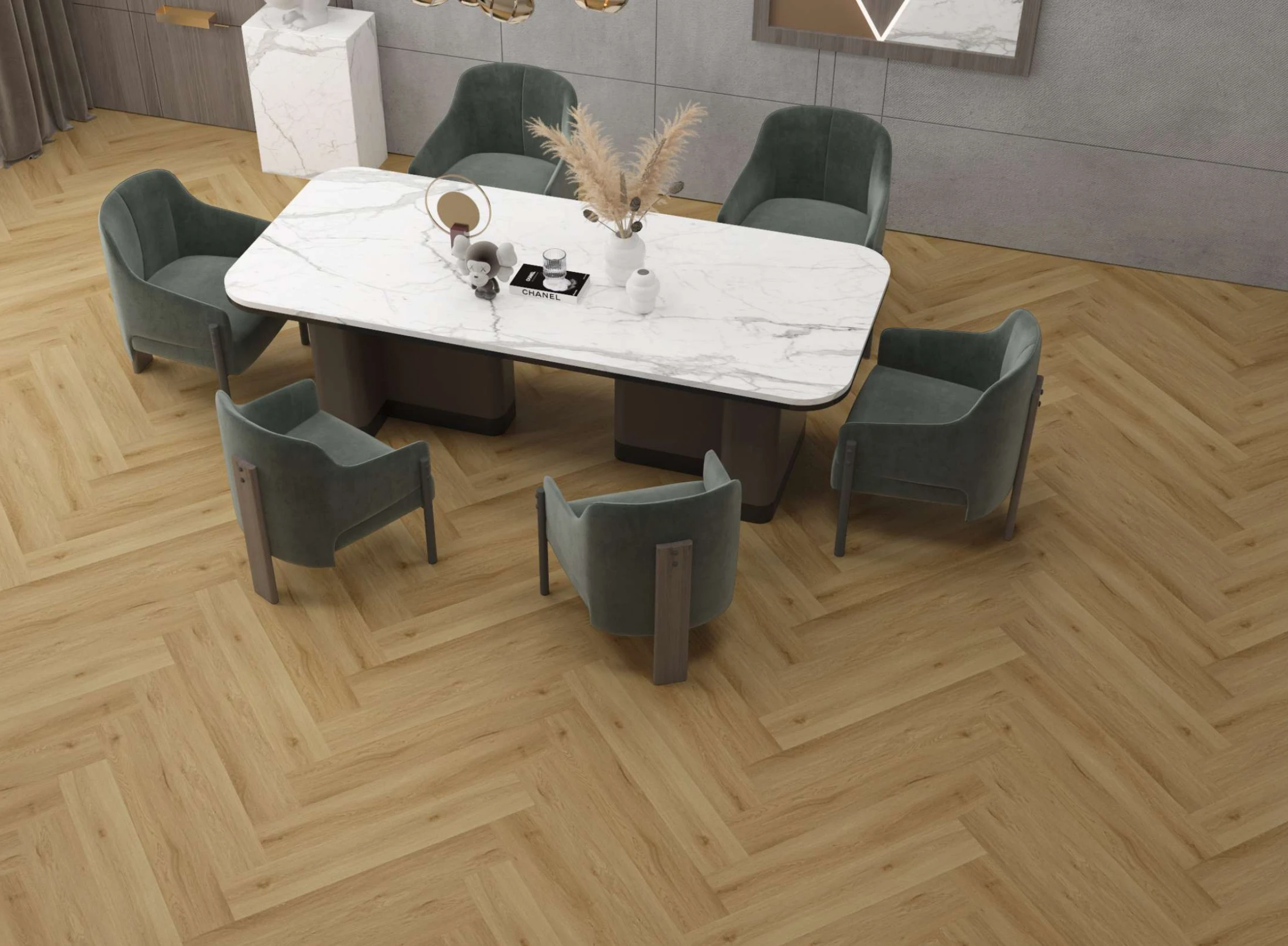
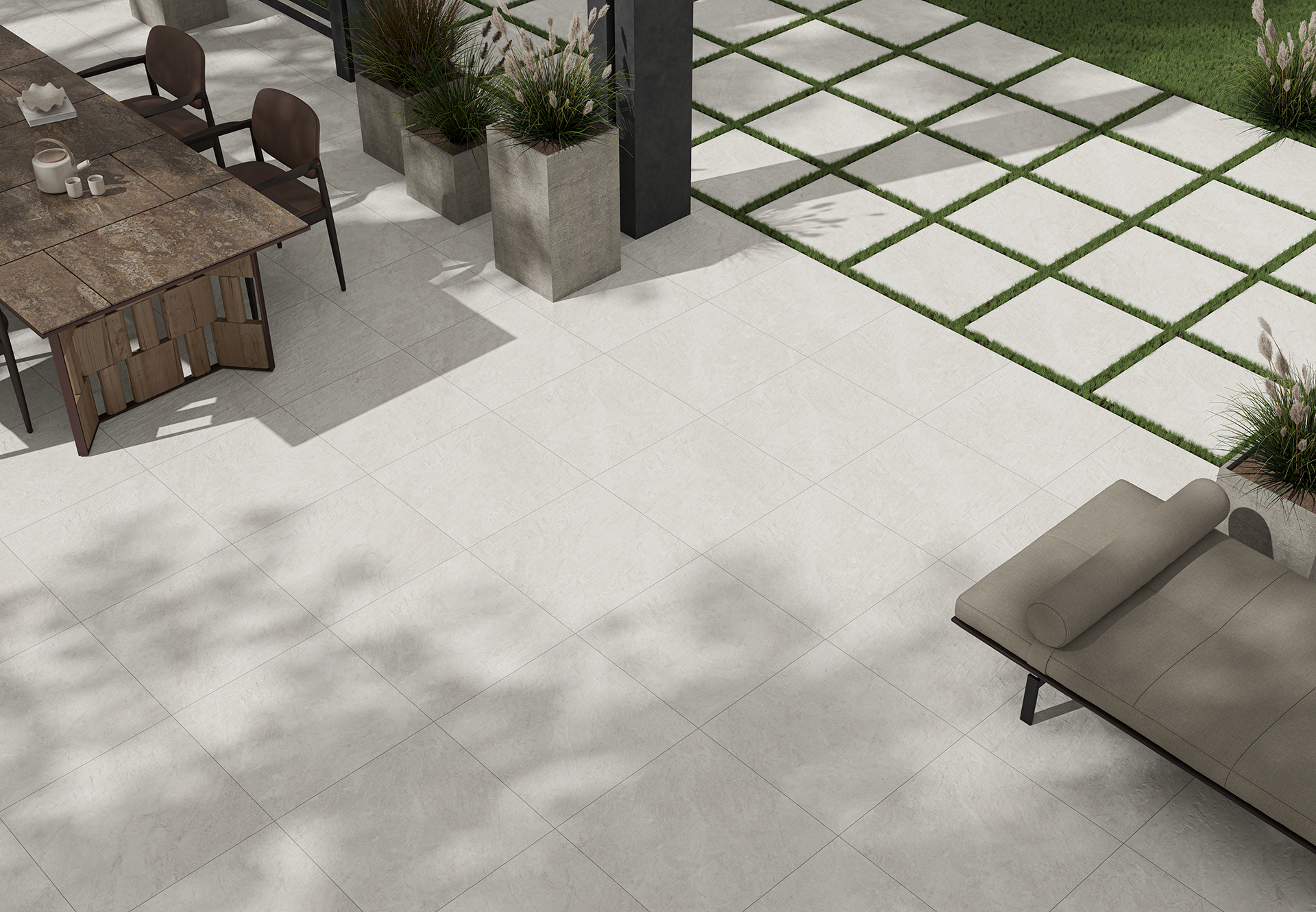
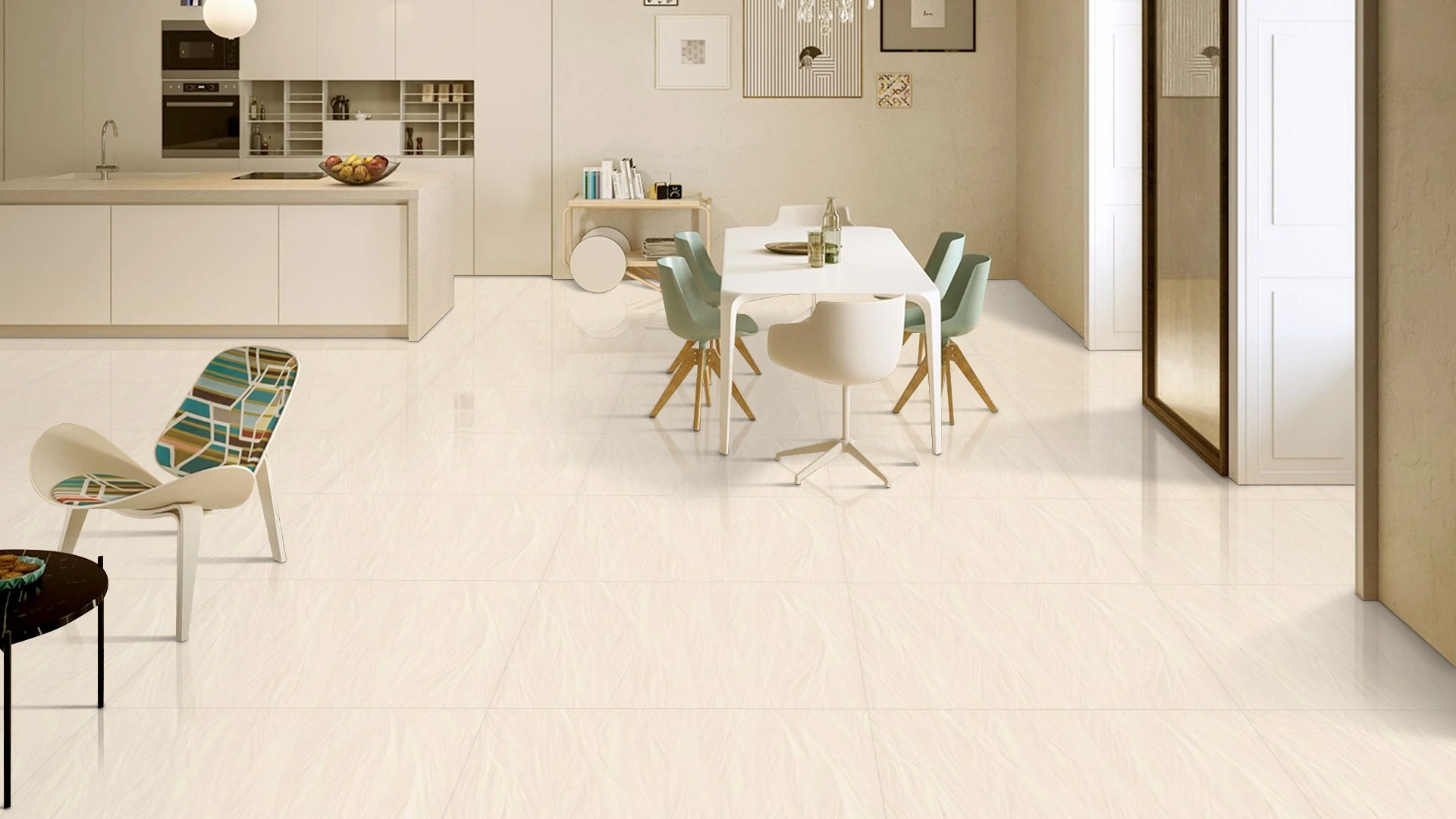
Porcelain tiles are available in a wide range of visual styles, including stone effects, marble effects, concrete-inspired finishes, timber looks and minimalist solid colours.
The visualizer allows you to compare these styles in context rather than judging them individually.
Marble and Stone Effects
Marble-inspired porcelain can introduce veining and movement into a room without requiring natural marble throughout the space. When testing these designs, pay attention to the direction and density of the veining.
A highly active pattern can become a major design feature when repeated across a large surface. A quieter pattern may create a more restrained appearance.
Concrete-Inspired Designs
Concrete-effect porcelain works well with contemporary interiors and can provide a clean architectural appearance. Neutral greys, warm greys and beige-based concrete effects can produce noticeably different results depending on the surrounding furniture and lighting.
Use your tile visualizer to compare several shades rather than assuming that all grey tiles will produce the same atmosphere.
Timber-Look Porcelain
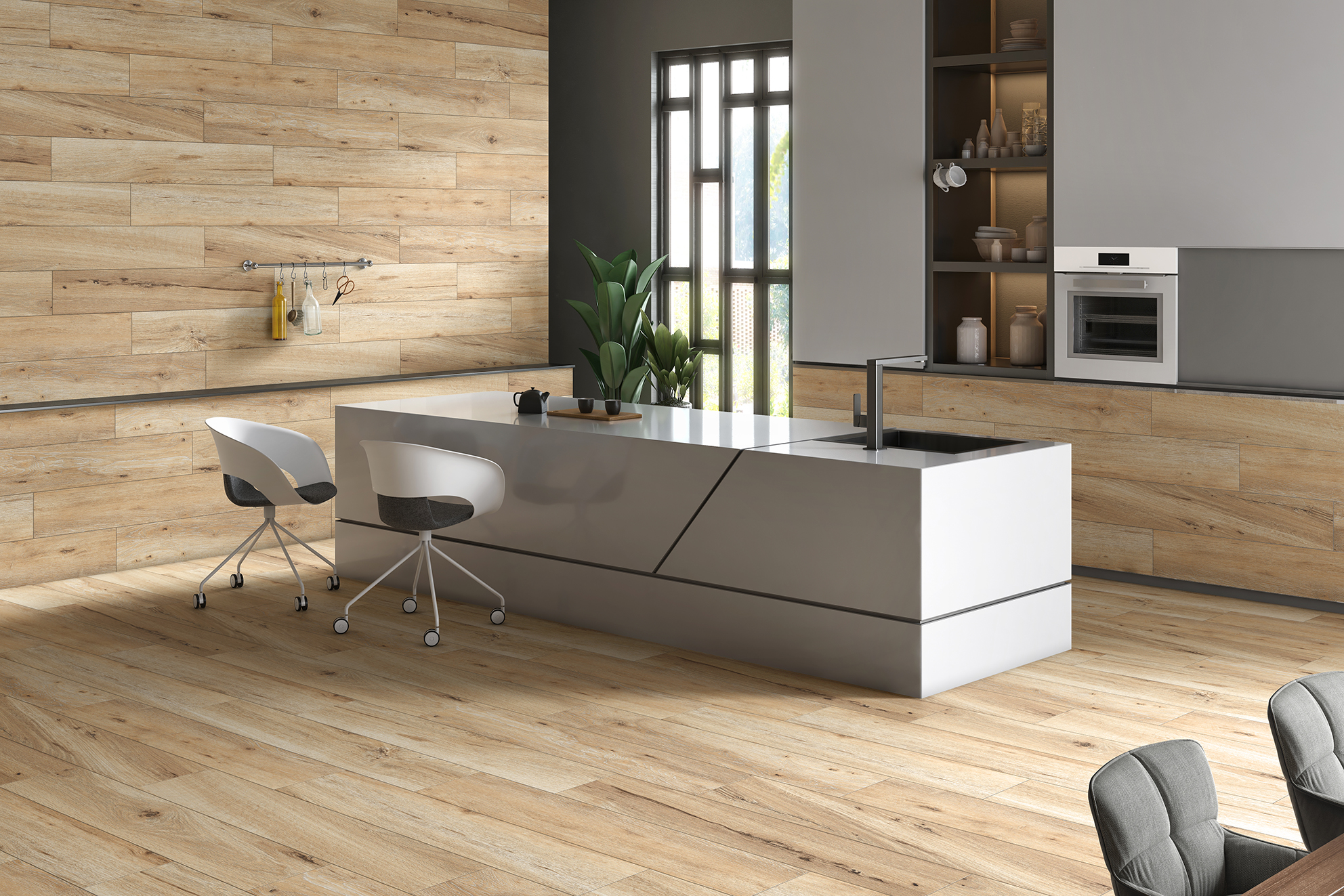
Wood-effect porcelain can add visual warmth while retaining the practical characteristics associated with porcelain tile. Plank orientation also matters. Running the visual direction along the length of a room can create a different visual impression from installing it across the shorter dimension.
Tile Size Can Change the Character of a Room
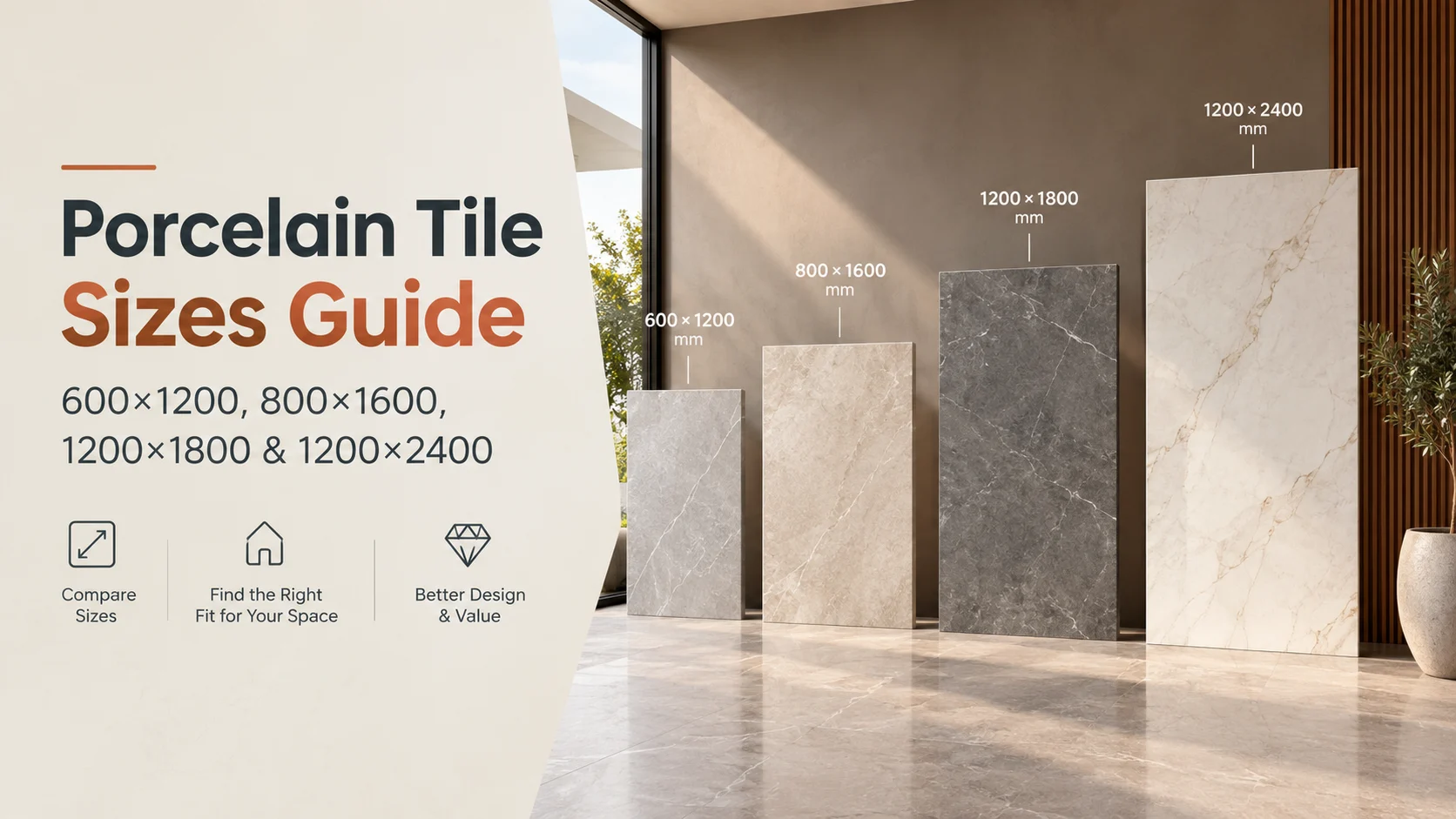
Colour is only one part of tile selection. Porcelain tile sizes can have an equally significant visual impact.
Smaller tiles introduce more joints and a stronger sense of repetition. Larger tiles can create a more continuous visual field, although the suitability of a particular size depends on the room, substrate, installation conditions and product specifications.
Large format porcelain tiles deserve especially careful planning. Their weight, dimensions, handling requirements, substrate preparation, cutting and installation method can require additional consideration.
International standards provide useful terminology and classification for ceramic tiles. ISO 13006:2018 establishes definitions, classifications, characteristics and marking requirements for ceramic tiles, while the ISO 10545 series covers various test methods used to determine tile properties. (ISO)
For technical requirements, always check the relevant standards and local installation requirements rather than relying on visual appearance alone.
Use a Tile Layout Visualizer Before Finalising the Pattern
Selecting a tile is only half the visual decision. The layout determines how that tile is experienced across the room.
A tile layout visualizer can help you compare arrangements such as straight layouts, staggered patterns or other suitable installation patterns.
For rectangular tiles, orientation can change the perceived proportions of a room. A long plank-style tile installed lengthwise may emphasise the room's direction, while another orientation may create a different visual balance.
Grout lines also contribute to the finished appearance. Although grout may seem like a minor detail, repeated joints can become visually prominent across a large surface.
When possible, test both tile orientation and grout colour within the visualisation.
Matching Tiles to Different Rooms
The best porcelain tile is not necessarily the same throughout a property. Different rooms have different functional and visual requirements.
Porcelain Tiles for Living Room
Living rooms typically provide more freedom in terms of design. You can experiment with stone-inspired surfaces, understated neutrals or dramatic marble effects.
When choosing porcelain tiles for living room applications, consider the relationship between the floor and major furniture pieces. A heavily patterned floor may compete with patterned upholstery, artwork or decorative walls.
A quieter tile can provide a background that allows furniture and accessories to become the visual focus.
Porcelain Tiles for Bathroom
Bathrooms benefit from careful consideration of both aesthetics and practical requirements. A visualizer can help you test combinations of porcelain tiles for bathroom walls and floors before purchasing.
Try viewing the same design under different lighting conditions if the tool allows it. A cool white bathroom light can make a tile appear different from warm lighting.
Also confirm the technical suitability of the selected product for the intended application. Visual appearance alone does not determine whether a tile is appropriate for a particular installation.
Porcelain Tiles for Kitchen
Kitchens contain several competing surfaces: flooring, splashbacks, cabinetry, worktops and appliances.
When testing porcelain tiles for kitchen applications, use the visualizer to see how the tile interacts with these existing elements. A neutral floor may allow a bold splashback to stand out, while a more decorative floor may work better with simple cabinetry.
Don't Ignore Lighting During Tile Visualization
Lighting can completely change how a tile is perceived.
Natural daylight tends to reveal colour and surface variation differently from warm artificial lighting. Directional lights can emphasise texture, while diffuse lighting may make a surface appear smoother.
This is one reason why a tile visualizer should be used alongside physical samples whenever possible.
Imagine selecting a beige porcelain tile from a bright catalogue image. In a room with limited daylight and warm artificial lighting, the same tile could appear considerably deeper and more yellow.
Digital visualisation helps identify these possibilities, but physical samples remain valuable for final confirmation.
Compare Before You Commit
One of the biggest advantages of digital tile visualization is the ability to compare several possibilities without physically changing the room.
Instead of asking, “Which tile looks good on its own?”, ask:
Which option works best with the room's size, lighting, furniture, architecture and intended use?
You can create several visual combinations and compare them side by side.
For example, imagine a living room with three possible options:
|
Option |
Visual Character |
Consideration |
|
Light stone effect |
Bright and understated |
Works well with many furniture styles |
|
Dark marble effect |
Dramatic and luxurious |
May create stronger visual contrast |
|
Warm concrete effect |
Contemporary and relaxed |
Can complement minimalist interiors |
The purpose of the comparison is not to identify a universal winner. It is to understand how each option changes the room.
A Tile Visualizer Does Not Replace Technical Checks
Digital appearance is useful, but it cannot tell you everything about a tile.
Before purchasing, check the manufacturer's product information for dimensions, thickness, finish, intended application and relevant technical characteristics. Installation requirements should also be considered.
This is particularly important for large format porcelain tiles. ISO has a dedicated technical specification covering mechanical installation of large format porcelain tiles and panels in certain external cladding applications, illustrating that larger formats can involve installation considerations beyond visual design. (ISO)
Your visualizer may show you what a 1200 × 600 mm tile looks like in a room. It does not automatically confirm whether that size is suitable for your particular substrate, installation method or project conditions.
That decision should be made using the product's technical documentation and advice from a suitably qualified installer where necessary.
Common Mistakes to Avoid
The visualizer makes tile selection easier, but it can also encourage overconfidence if used incorrectly. The most common mistakes usually happen when people treat a digital image as the entire decision-making process.
Choosing Based Only on the Screen
Screens can differ in brightness, contrast and colour reproduction. A tile displayed on one monitor may not look identical on another.
Ignoring Tile Scale
A small product image does not always communicate how large the pattern will appear once repeated across an entire room. Always check the actual tile dimensions.
Forgetting Grout
A tile layout is not just tile plus tile. Grout joints create a repeated visual grid and can affect the overall appearance.
Selecting a Tile Without Checking Its Application
A beautiful product is not automatically suitable for every wall, floor, wet area or external environment. Confirm the manufacturer's recommendations.
Skipping Physical Samples
Digital previews are useful for narrowing down choices, but physical samples can help you assess texture, surface variation and colour under your own lighting.
How to Use a Tile Visualizer More Effectively
A more structured process can make visualisation considerably more useful.
First, identify the room and its existing design elements. Then choose two or three broad tile directions rather than immediately testing dozens of individual products.
Next, compare tile colour, pattern, size and orientation. Once you have a short list, examine the options under different lighting conditions and alongside the actual materials already present in the room.
Finally, compare the digital result with physical samples and the manufacturer's technical information.
The goal is not to find the most impressive image on screen. It is to find an option that makes sense visually, practically and technically.
Why This Approach Works for Global Tile Buyers
Tile preferences differ across countries, climates, architectural styles and construction practices. A homeowner renovating an apartment in Europe may have very different design priorities from someone building a contemporary home in Asia, Australia, North America or the Middle East.
A digital room visualizer provides a common starting point because the fundamental question remains the same: how will the selected surface work within the intended space?
The technical side still needs local consideration. Installation practices, building requirements, substrate conditions and product availability can vary between markets. This is why a global tile selection process should combine visualisation with local professional guidance.
For international buyers, this approach can also make product discussions clearer. Rather than describing a tile only by colour or name, you can discuss the specific design, size, finish and intended room application.
From Digital Preview to a Real Tile Selection
The strongest workflow is simple: visualise, compare, verify and then decide.
Start with the room. Select a few porcelain tile designs that suit its architectural character. Use the visualizer to test different colours, formats and layouts. Narrow the options down, then check the physical product and technical documentation.
If you are comparing products, they can also be considered alongside the visual options to create a more informed shortlist.
For designers and homeowners, this process reduces the gap between inspiration and practical planning. Instead of choosing a tile because it looks attractive in a catalogue, you can investigate how its pattern, scale and colour interact with the space.
How a Tile Visualizer Helps With Large Format Porcelain Tiles
Large formats can create a clean, expansive appearance because fewer individual tiles may be visible across a surface. But that visual advantage makes planning more important.
If the room has awkward corners, columns, door openings or multiple transitions, tile layout becomes a key design consideration. A visualizer can help you see where joints may appear and how the selected format interacts with the room's geometry.
Large format porcelain tiles can also require careful handling and installation planning. The visualizer should therefore be considered the first stage of the process, not the final technical approval.
For projects involving larger formats, discuss the proposed installation with the relevant installer and review the manufacturer's requirements before placing an order.
Frequently Asked Questions
What is a tile visualizer?
A tile visualizer is a digital tool that allows users to preview selected tiles within a room or on a particular surface. Depending on the platform, it may allow users to change tile designs, colours, sizes, orientations and room settings before making a purchasing decision.
Can a tile visualizer show exactly how porcelain tiles will look?
No digital preview can guarantee an exact representation of the finished installation. Screen settings, lighting, product variation, grout colour, installation quality and the physical environment can all affect the final appearance. A visualizer is best used for comparison and planning, followed by physical sample and product-specification checks.
Can I use a tile visualizer for different porcelain tile sizes?
Yes, where the tool provides size or product selection options, you can compare different formats and understand how their scale affects the room. However, the visual result should be checked against the actual product dimensions and installation requirements.
Is a 3D tile visualizer useful for large rooms?
A 3D tile visualizer can be particularly useful for large spaces because it provides a better sense of how a repeated pattern or large-format surface may influence the overall room. It can help users compare different layouts and visual directions before making a shortlist.
Should I still order a physical tile sample after using a visualizer?
Yes. A digital preview is useful for narrowing down choices, but a physical sample can help you assess the actual colour, texture, finish and variation under your own lighting conditions. Product specifications should also be checked before final selection.
Conclusion
Choosing porcelain tiles becomes much easier when you move beyond the catalogue image and consider the actual room. A tile visualizer can help you compare porcelain tile designs, formats, colours and layouts while giving you a clearer understanding of how a product may influence the finished space. The best results come from combining digital visualisation with physical samples, product specifications, installation advice and careful consideration of lighting and room scale.
If you are exploring porcelain surfaces for a residential or commercial project, Antovia Surfaces can help you move from inspiration towards a more considered tile selection. Explore to discover suitable porcelain options and take the next step towards creating a space where the chosen tile works as naturally in the room as it did in your original vision.